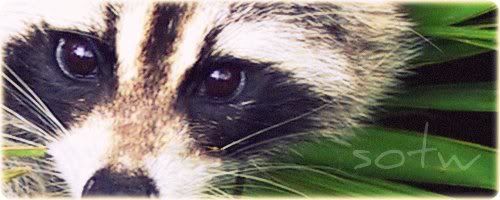
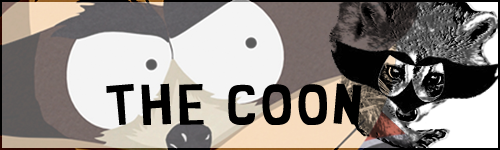
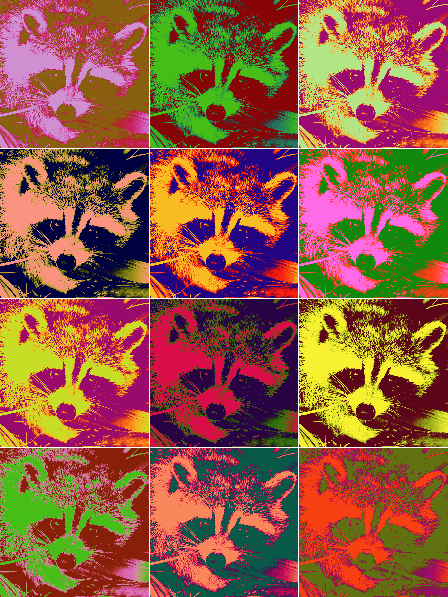
This tag is pretty good, except for the fact that the contrast is really low, and the lighting is bad. It just looks unfinished without adjustments applied.
Refer to the "adjustments" and "finishing touches" sections of
this tutorial for an example of some adjustments that you can use.
But experiment with different adjustments and opacities, you don't have to follow the tutorial verbatim.
As for the text, I would move it out of the way a little, so that it doesn't cover up any portion of the raccoon. Then I'd make it less visible, so that it doesn't overpower the raccoon.
Using different fonts for different lines/words is interesting. Also, I wouldn't left-align the text. I would put each line on a separate layer and position them in an interesting way.
Of course, the text goes before the adjustments, or it'll look like it was thrown on at the last minute.


 This topic is locked